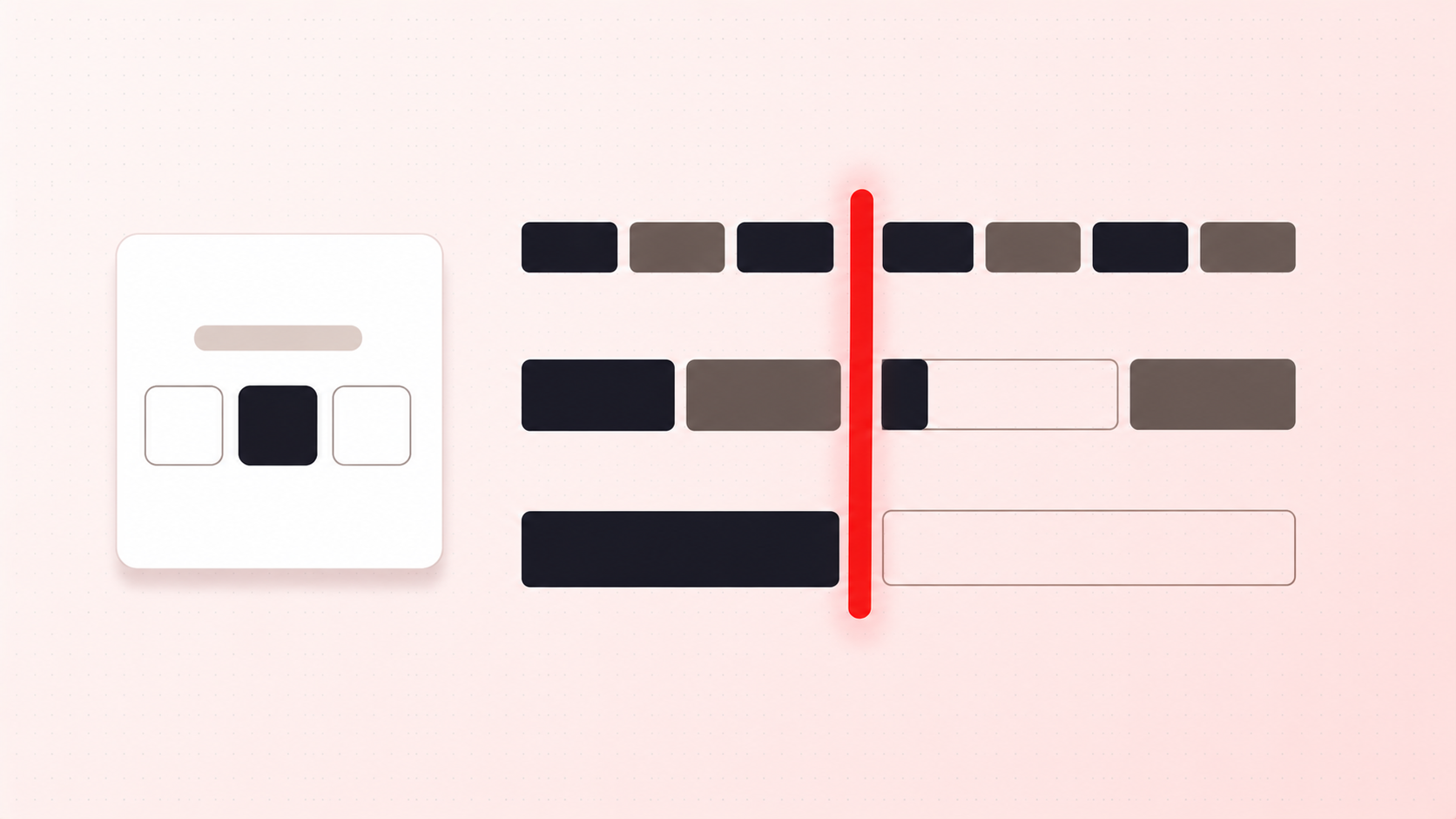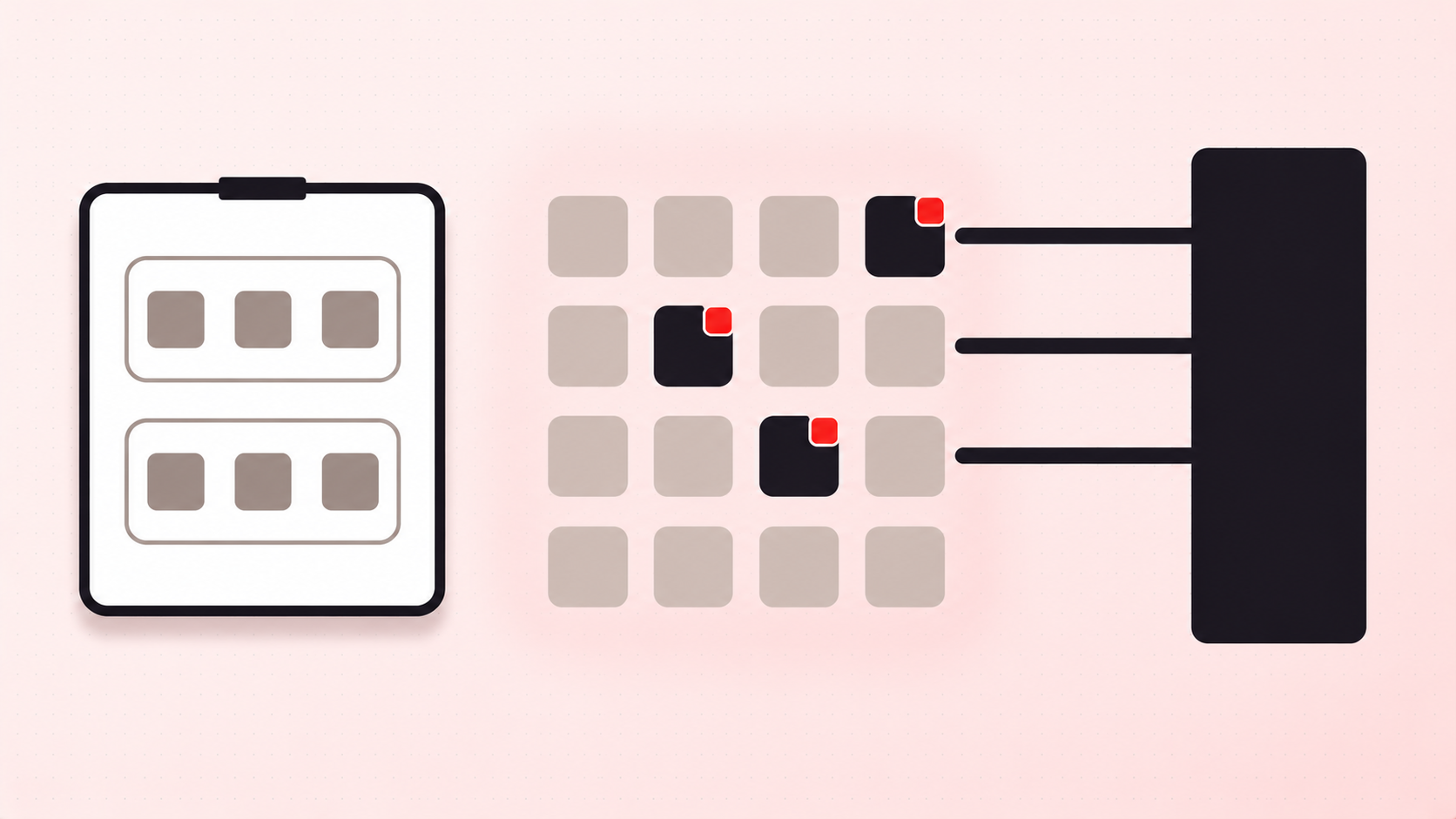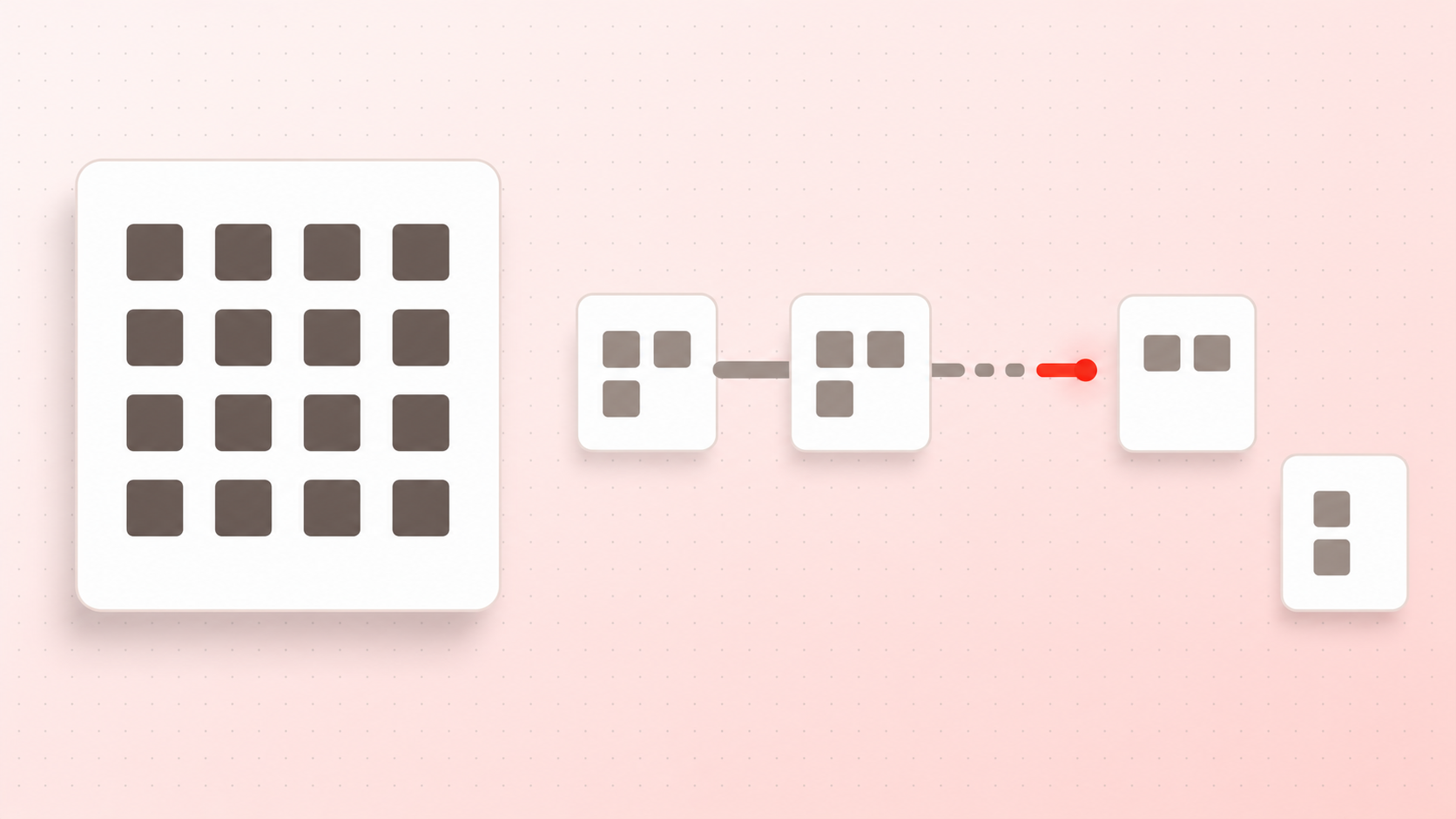
"Limit two per customer" is the most requested rule in this category and the most ambiguous. Before you configure anything, work out which of two very different rules you actually mean.
Per order caps a basket
A per-order limit says: this checkout may not contain more than two of this item. It is easy to reason about and easy to enforce, because everything the rule needs to know is in the cart being validated.
It also does nothing to stop the same person checking out three times. For a fairness problem such as a limited drop or an allocation of scarce stock, a per-order cap on its own mostly slows down the honest and inconveniences nobody else.
Per customer caps a person over time
A per-customer limit says: this buyer may not have more than two of this item, ever, or within a window. That requires something a cart does not contain: purchase history, and a reliable answer to "who is this?"
Which is where it gets genuinely hard, and where you should be sceptical of any tool promising it casually:
- A guest checkout has no customer record until the order exists.
- The same person can use a second email address in about fifteen seconds.
- Requiring an account to enforce the rule adds its own friction. In Baymard Institute's cart abandonment research, 18% of shoppers who abandoned for a specific reason said the site required them to create an account.
So "per customer" is, in practice, per identity you can verify. Tightening identity tightens the rule and costs conversion. That trade is the actual decision, and it is worth making on purpose.
What Shopify gives you natively
Shopify's native quantity rules are per order by design. Its B2B quantity rules documentation describes maximum rules as defining "the greatest number of a product that can be purchased at one time", a basket cap rather than a lifetime cap. And those rules live in B2B catalogs, which the Help Centre notes are included on plans that support B2B capabilities.
There is no native setting anywhere in Shopify that caps a customer's cumulative purchases of a product.
Why a theme limit fails this rule in particular
Per-customer limits attract exactly the buyers who will test them. That makes the enforcement layer decisive rather than academic.
A quantity cap in theme code is undone by editing the cart, by a cart permalink, or by Buy Now skipping the cart altogether. A validation function is not: Shopify's documentation states these "run on Shopify's servers" and give enforcement that "can't be bypassed by customers". Since 31 January 2024, merchants on any plan can use one from a public App Store app, so the honest version of this rule is not reserved for Plus stores.
A workable setup
- Start with the per-order cap. It is unambiguous, it holds server-side, and it handles the ordinary case.
- Add a scope instead of reaching for identity. Restricting a rule by customer tag or market often solves the real problem (wholesale buyers behaving differently from retail) without needing purchase history at all.
- Only require accounts where scarcity justifies it. For a genuine fair-drop, the conversion cost of forced login is the price of the rule. For everyday inventory, it is not.
- Say the limit on the product page. "Limit 2 per customer" set at the point of choice reads as fairness. The same message at checkout reads as a failure.
If you are still deciding which limit type fits your margin problem at all, minimum order quantity or minimum order value is the better place to start.