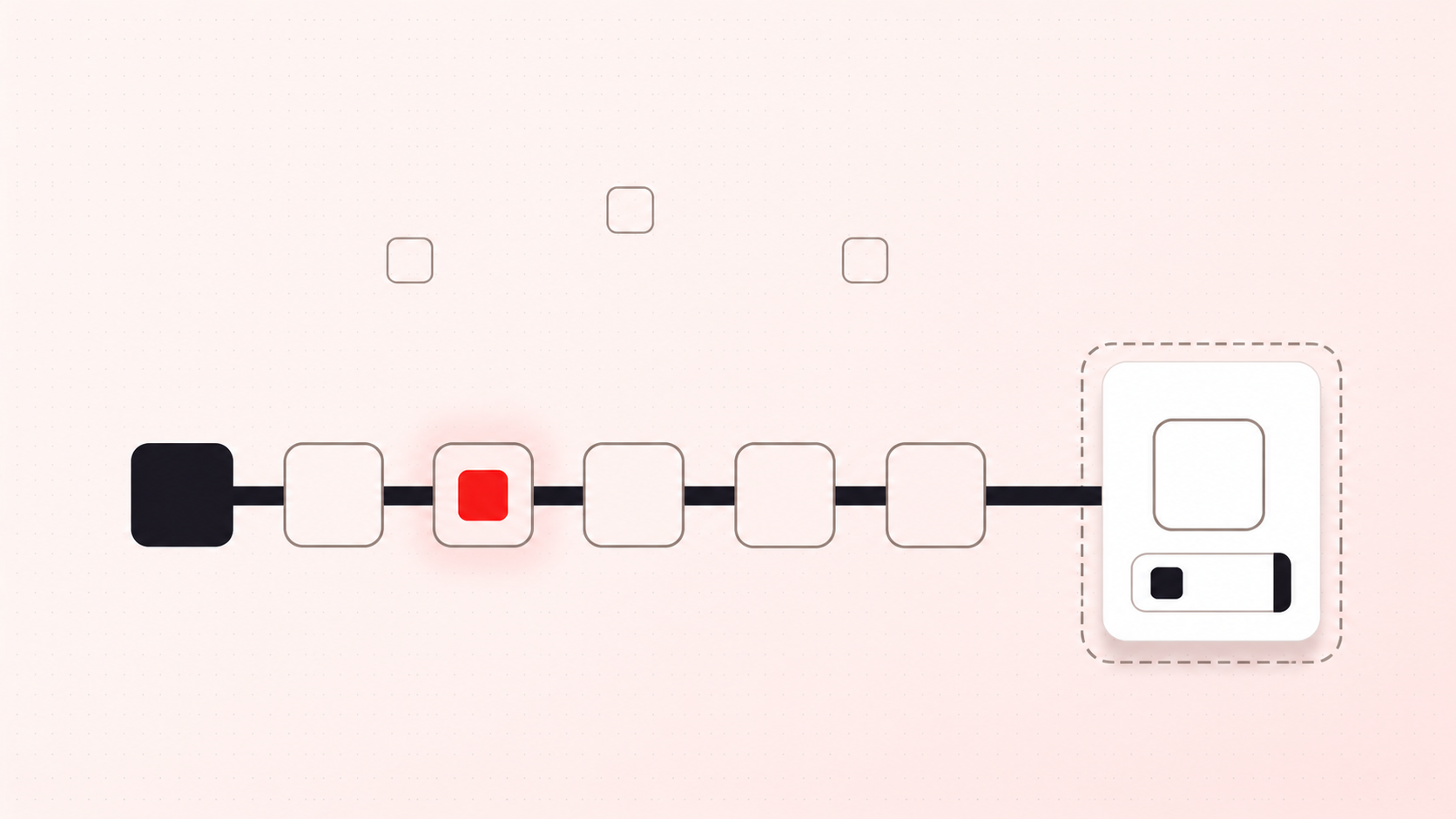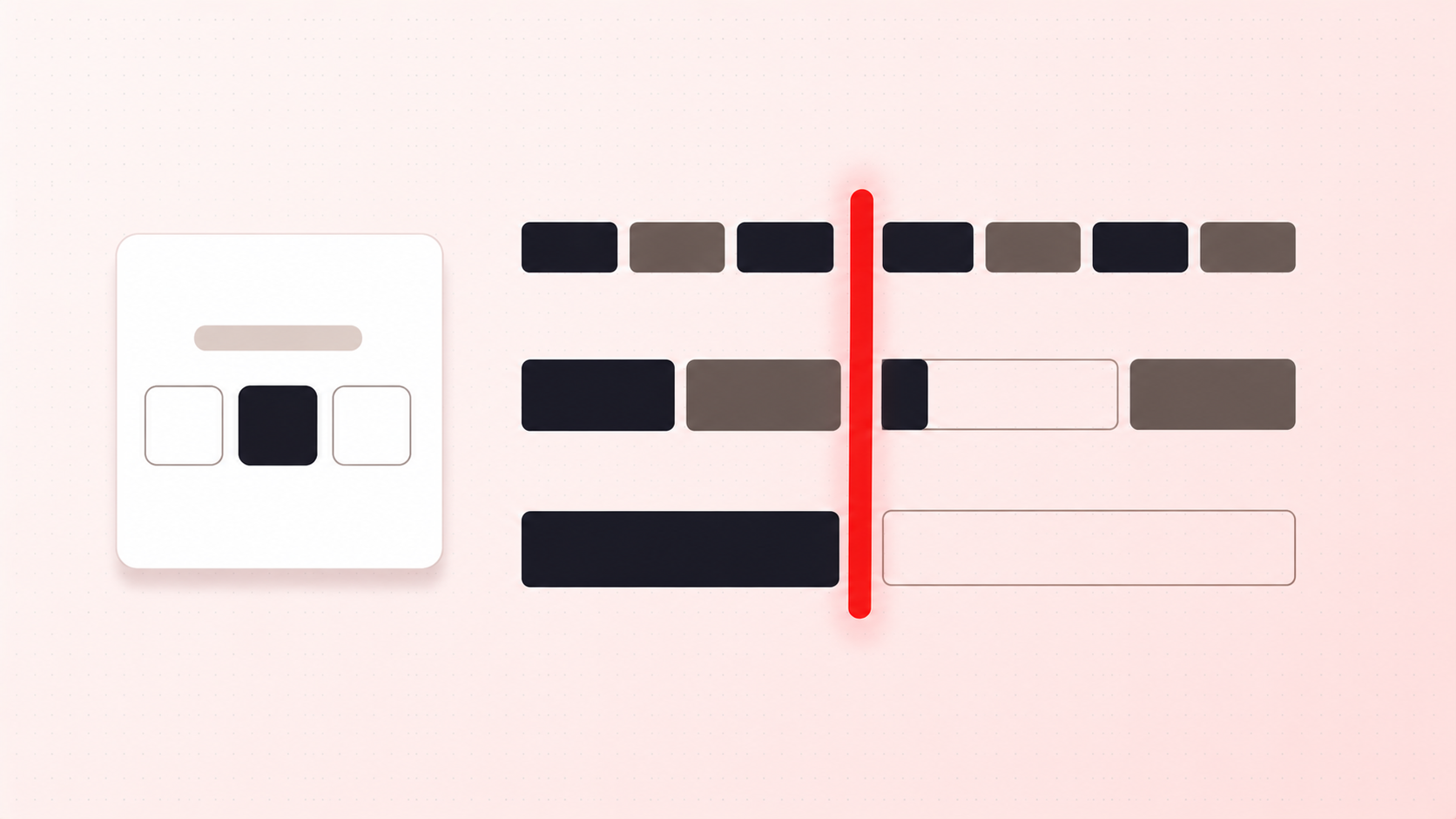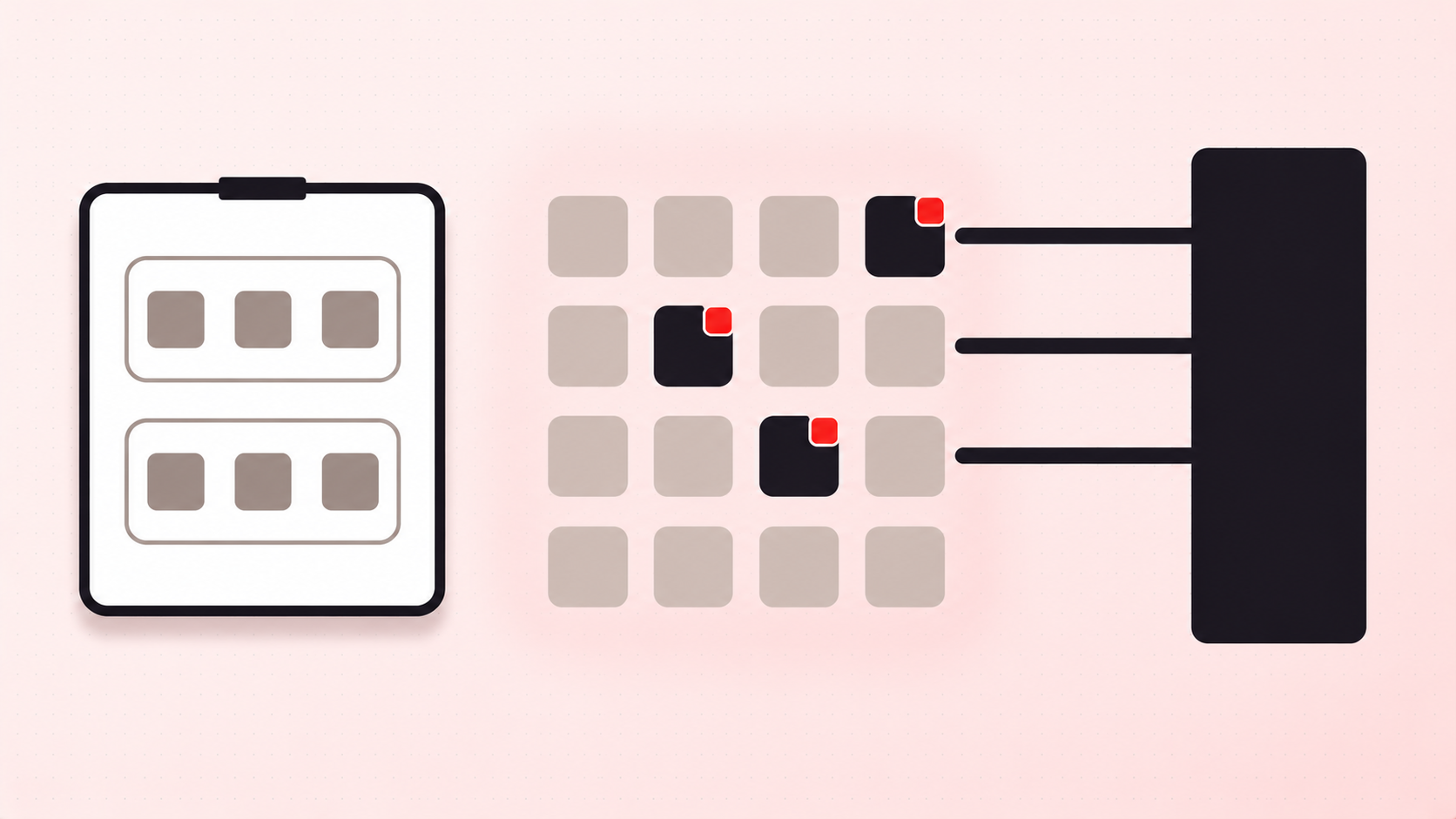
Weight is the limit type merchants discover last and need most, because the failure is quiet. Nothing is oversold and no rule is broken. A customer simply gets to checkout and cannot ship.
How weight tiers actually break
Shopify lets you attach weight-based conditions to shipping rates. The documented failure mode is worth reading carefully, from the Shopify Help Centre on setting up shipping rates:
"If an order falls outside your tiers, such as above your highest tier when that tier has a maximum value set, then no rate applies and the customer receives a shipping error at checkout."
That is a lost order with no diagnostic. The customer sees a checkout that will not proceed and leaves; you see nothing, because there is no order to look at.
Shopify's own mitigation for the gap is to "leave the Maximum field empty on your highest tier so that it also covers larger orders". That closes the error, but if your heaviest rate does not reflect what your carrier will actually accept, you have traded a checkout error for shipping something at a loss, or for a parcel your courier refuses.
Two more details that catch people out
Two facts from the same documentation change how you set thresholds:
- Weight is not just product weight. Shopify "combines rates that apply to the weights of the individual products, with your store default package weight added to each product." A ceiling calculated from product weights alone will be wrong by the weight of your packaging, on every order.
- Missing weights break the calculation. "If you plan to use weight-based shipping rates, then make sure that all your products have weight values." One product with no weight is enough to make rates wrong.
Before you set any weight limit, audit your catalogue for missing weights. It is unglamorous and it is the step that determines whether everything downstream is accurate.
Where a weight limit belongs
A shipping tier is priced from weight. A weight limit is a different tool: it stops a cart forming that you cannot fulfil. Two directions matter.
A maximum keeps carts under a real ceiling: a courier's per-parcel cap, a pallet, what one person can lift. It should sit slightly below the hard limit, because product weight plus package weight is what counts, and because customers add one more item after the warning.
A minimum is less obvious but matters for heavy, low-value goods: soil, tile, liquids. Below some weight the shipping cost overwhelms the order value, and a floor stops orders you would rather not win.
Enforce it where the cart cannot dodge
Cart weight is only knowable once a cart exists, so a weight rule has to be evaluated against the assembled cart rather than on a product page. That makes the enforcement layer decisive.
Shopify's cart and checkout validation documentation describes validation functions as running "on Shopify's servers" across "online store carts, carts built for custom storefronts, and throughout the checkout process", with enforcement that "can't be bypassed by customers". Since 31 January 2024, merchants on any plan can use validation functions from public App Store apps.
The practical difference: a weight warning printed on your cart page is skipped entirely by Buy Now, and never appears in the draft order a rep builds by hand. A server-side rule applies in both.
Tell them at the right moment
Weight limits are the hardest to explain and the easiest to communicate badly, because shoppers do not think in kilograms. "Maximum 45 kg per order" means little; "this cart is too heavy to ship as one parcel, split it into two orders" is actionable. Say it in the cart, as the weight climbs, rather than at checkout when they have already committed.