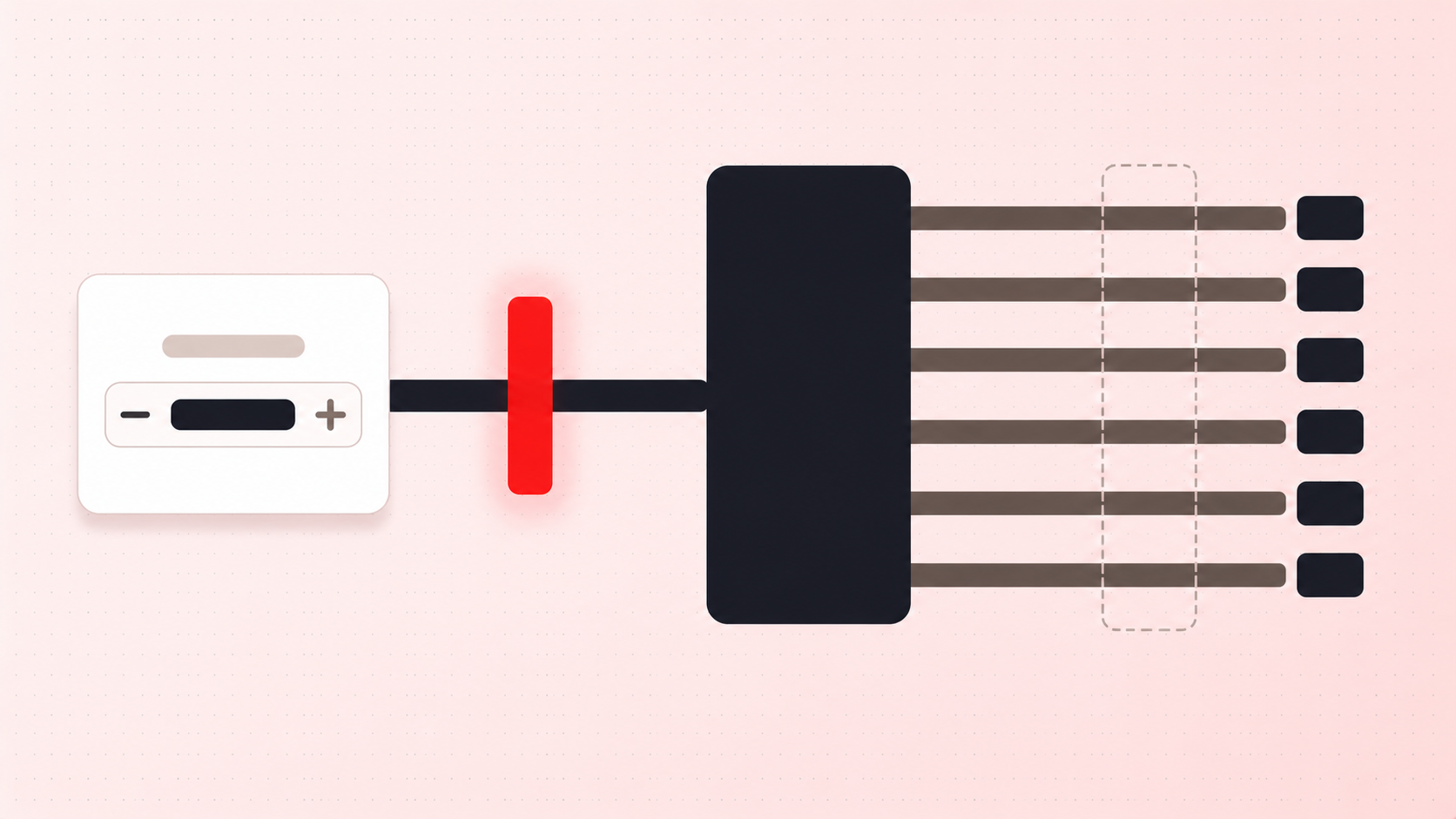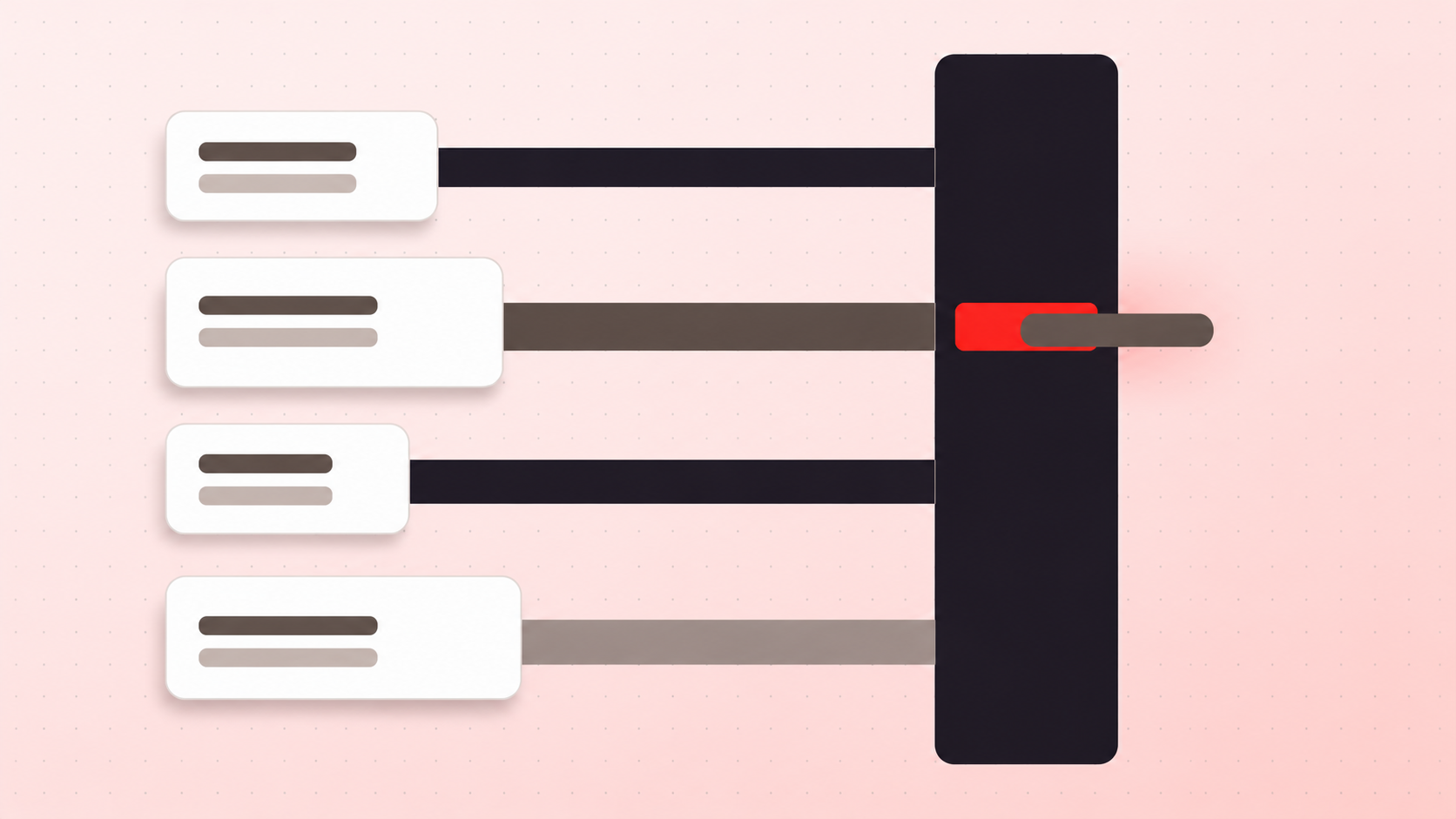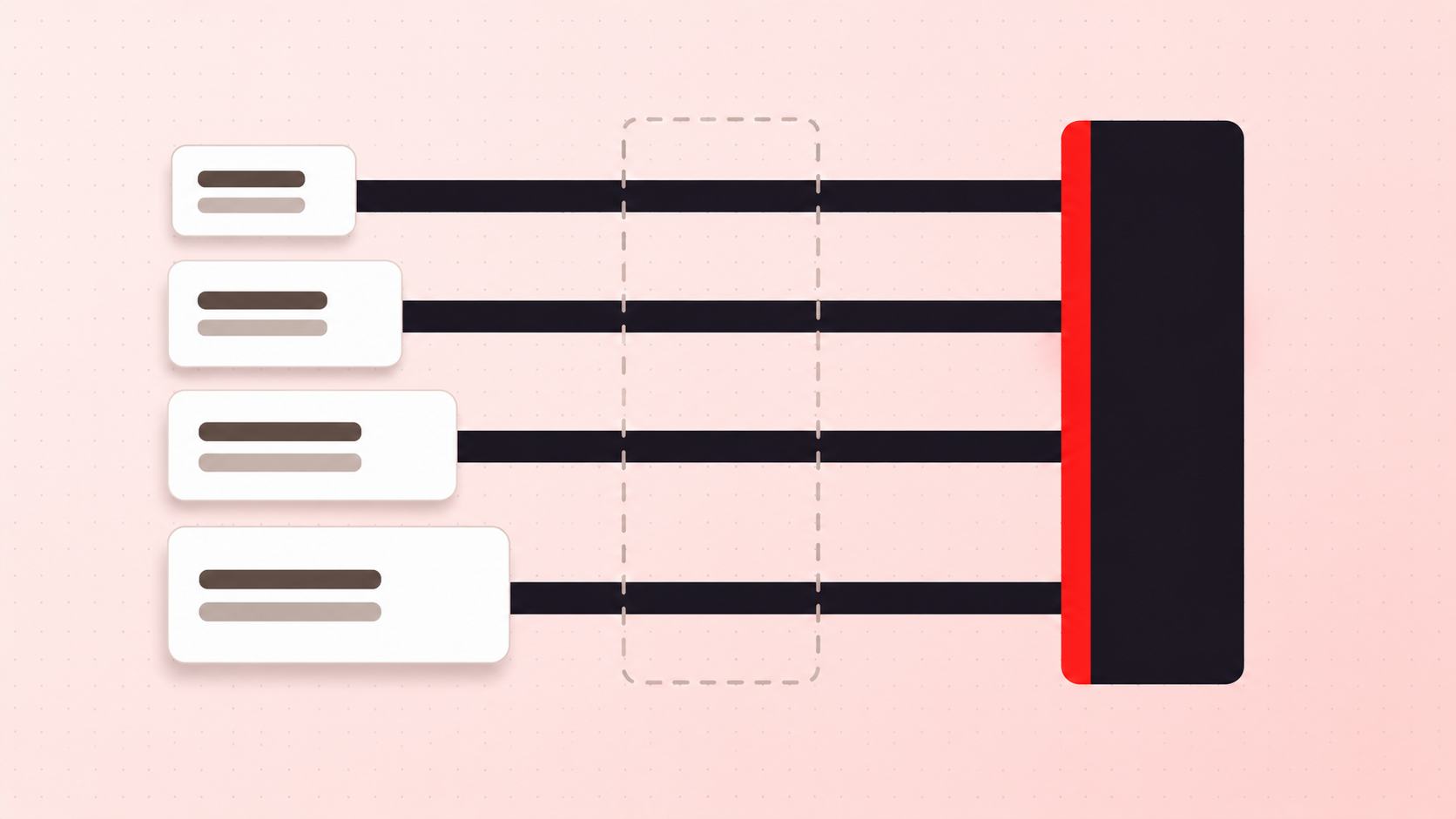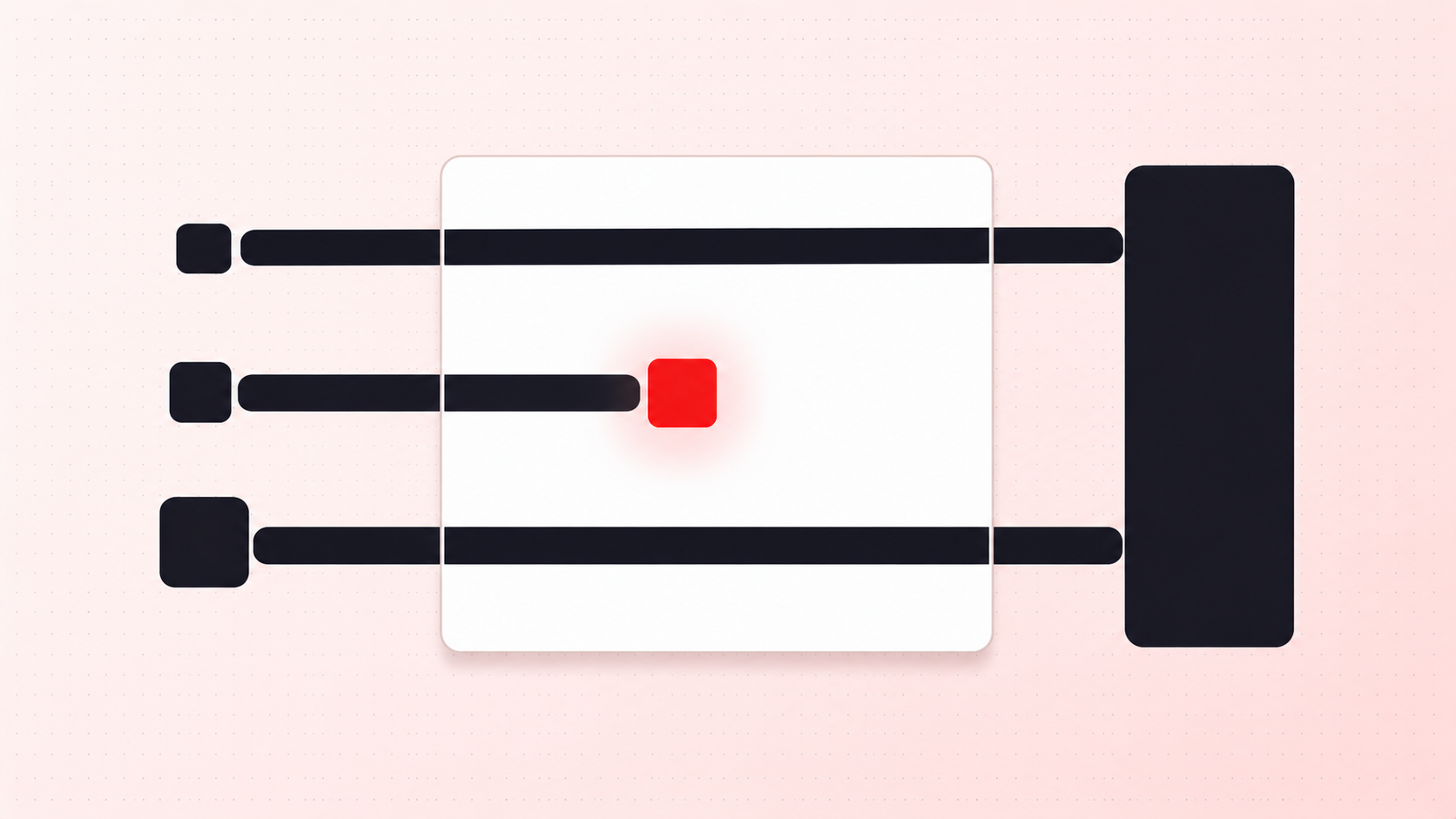
Limited drops attract two populations: customers who want the product, and buyers who want the margin on reselling it. The second group will test your limit. It helps to know exactly how, because the methods are unglamorous.
Three ways a theme limit fails
A theme runs in the shopper's browser. Everything it decides is advisory, and there are three routine paths around it:
- Editing the quantity after the fact. The product page enforces a maximum of two, so the buyer adds two, then changes the number in the cart drawer where the rule was never applied.
- Cart permalinks. A URL can add a specified quantity of a variant straight to the cart, arriving with a quantity your product page would have refused.
- Buy Now. It goes from the product page to checkout without the cart existing at all, so a limit that lives on the cart page never runs.
None of that is hacking. It is using the storefront in ways Shopify supports, against a rule that was only ever a suggestion.
What actually holds
The distinction is where the rule executes. Shopify's cart and checkout validation documentation states that validation functions "run on Shopify's servers and can block checkout progress when business rules aren't met", giving "reliable enforcement of business logic that can't be bypassed by customers", across "online store carts, carts built for custom storefronts, and throughout the checkout process".
Server-side means the buyer's browser is not a participant in the decision. There is nothing to edit, because the check does not live where they can reach it.
And this is not a Plus-tier capability. Per the changelog of 31 January 2024, "merchants on any plan can now use validation functions provided by public apps distributed through the Shopify App Store." Guides that still say otherwise are out of date, which we wrote up in you don't need Shopify Plus.
What server-side enforcement still will not do
Honesty here is more useful than reassurance. A per-order cap stops one basket, not one person. Someone determined can check out twice, with a second email address, and no cart-level rule sees the connection. Closing that means identity, and identity means friction: Baymard Institute's research found 18% of reasoned cart abandonments blamed being required to create an account. The trade is discussed in per order vs per customer.
There are also surfaces the rule does not reach at all. The API reference lists them, including POS, Order Edit, the Create Order API, and recurring subscription orders.
The test that tells you where you stand
Take five minutes on your own store before your next drop. Add more than the cap by editing the cart. Try a cart permalink. Try Buy Now. If any of the three gets to checkout, your limit is decoration, and the people who will find that out are not the ones you want finding it.