Built for wholesale
Minimum order quantity for wholesale
Prime MOQ sets a minimum order quantity per product, variant, collection or vendor, and can require quantities in multiples of your case size. The rule is checked by a Shopify Function in the cart and at checkout, so it also applies to drawer carts, Buy Now and draft orders. No theme code and no Shopify Plus.
A beverage wholesaler sells water in cases of 6. Their supplier ships cases, their warehouse packs cases, and their pricing assumes cases. Then a buyer orders 7 bottles.
Someone has to open a case, repack it, relabel it and absorb the cost of the 5 loose bottles left on the shelf. It happens a few times a week, and every time it costs more than the order was worth.
The fix is one rule: minimum 12 units, sold in multiples of 6. Shopify itself refuses anything else, so the warehouse never sees a broken carton again.
The rule
Minimum 12, multiples of 6
- Limit type
- Quantity
- Scope
- Collection: cases
- Minimum
- 12 units
- Multiples of
- 6 units
- Checkout enforcement
- Always on
In the app this is the Minimum quantity (MOQ)quick-start template, already filled in.
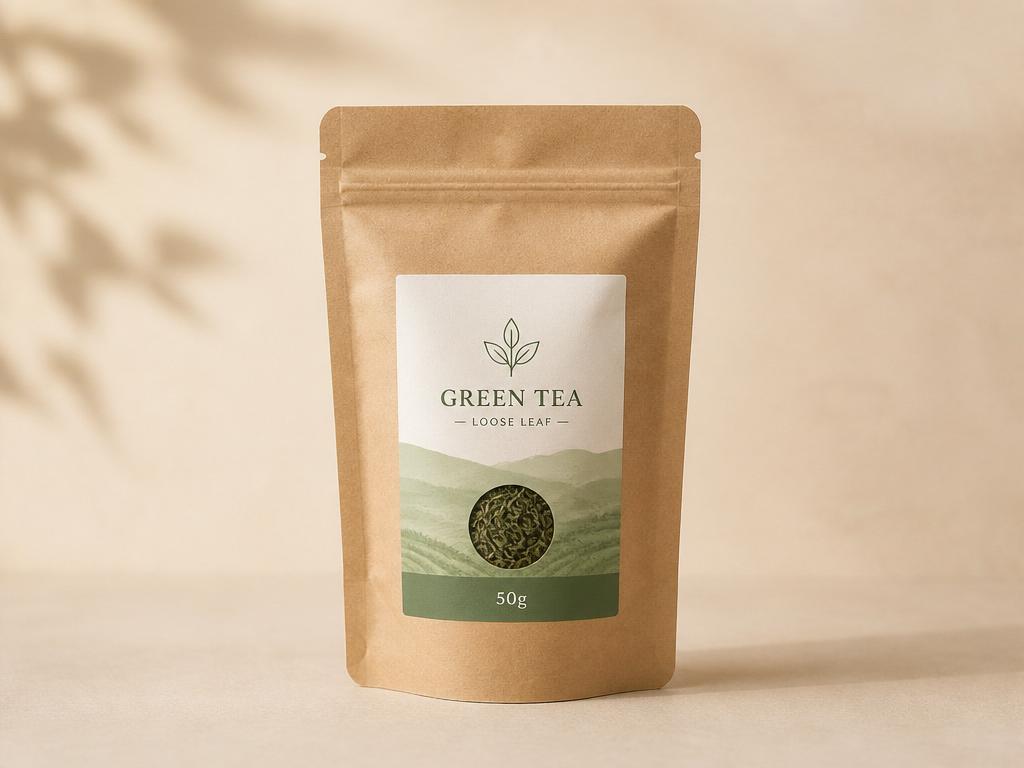
Wholesale Green Tea 50g
$12.50 - per unit, 0.5 lb
$50.00 in cart
For bulk orders, please click Contact us
Live demo - this is exactly what your customers see.
- Included
No broken cartons, so no repacking, relabelling or write-offs.
- Included
The message speaks your language and sits where you place the app block.
- Included
Rules apply to drawer carts, Buy Now and draft orders, not just the product page.
Merchant profile
A beverage wholesaler supplying cafes, corner shops and office kitchens. The catalogue is narrow and deep: a few dozen lines, each stocked in volume, each moving in cases rather than units.
Everything upstream of the storefront already speaks in cases. The supplier ships them, the warehouse racks them, the freight quote assumes them, and the margin was calculated against them.
The challenge
Shopify sells units. A buyer who wants seven bottles can order seven bottles, and nothing in the default checkout knows that the shelf holds cases of six.
The order arrives looking ordinary. It is only in the warehouse that it becomes a problem, and by then the picker is already holding a broken carton.
What they needed
- Stop part-case orders reaching the warehouse at all, rather than catching them afterwards.
- Keep the rule true on every path to checkout, including the ones that skip the product page.
- Say what the pack size is before the buyer commits, so the rule reads as a policy rather than a refusal.
Why it costs money
Opening a case to fill a part order is not one cost, it is four: the labour to unpack and repack, the relabelling, the damage risk on loose stock, and the units left over that no longer belong to a sellable case.
None of that is visible in the order total. The order looks profitable on the report and loses money in the aisle, which is why the problem survives so long before anyone traces it.
Approaches that fail
Writing the pack size in the product description
A description is read by people who are already reading. It is not read by the buyer who lands on the page from a search, sets a quantity and checks out, which is the buyer who causes the problem.
Fixing it manually after the order lands
Every correction costs an email, a wait for a reply and often a refund. Doing that a few times a week costs more staff time than the orders were ever worth.
Selling a case as a single product
It works until the catalogue has to carry both. Two products for one item splits the reviews, the inventory and the search ranking, and the buyer still picks whichever one is cheaper per unit.
Weighing the options
| Approach | Holds at checkout | Effort to maintain | Reads as a policy |
|---|---|---|---|
| A note in the description | No, nothing is enforced | Low, but repeated per product | Only to someone reading closely |
| Manual correction after the fact | No, the order is already placed | High, and it grows with sales | No, it reads as a refusal |
| A quantity rule with a multiple | Yes, in the cart and at checkout | Low, one rule covers a collection | Yes, stated before the buyer commits |
The rule they chose
One rule on the cases collection: a minimum of 12 units, in multiples of 6. The minimum sets the floor the round trip is worth making for, and the multiple keeps every order a whole number of boxes.
Scoping it to the collection rather than to each product is the part that keeps it maintainable. A new case line inherits the rule by being added to the collection, so the rule cannot fall behind the catalogue.
What the buyer sees
The quantity stepper on the product page opens on a valid number and moves in sixes, so the ordinary path never produces an invalid cart in the first place.
A buyer who arrives another way meets the rule in the cart instead, with a message that names the pack size rather than simply refusing. Naming it is what turns a block into an instruction.
What could go wrong
- RiskA retail customer who genuinely wants one bottle is turned away
- MitigationScope the rule to the wholesale collection and leave single-unit lines outside it, so the catalogue can serve both.
- RiskThe rule is set on products and a new line is missed
- MitigationScope to a collection instead, so membership rather than memory decides which lines carry the rule.
- RiskThe message reads as an error and the buyer leaves
- MitigationWrite it as a policy in your own words, and place the app block where the buyer is already looking.
What to take away
- 1
Enforce at checkout, not on the product page, because the product page is the one surface a determined buyer can skip.
- 2
Scope to a collection rather than to products, so the rule is inherited instead of remembered.
- 3
A limit that explains itself converts; a limit that only refuses sends the buyer to a competitor.
Questions
Questions merchants ask
- How do I set a minimum order quantity on Shopify?
- Create a quantity rule in Prime MOQ, choose what it applies to, and set the minimum. The scope can be a single product, one variant, a whole collection or every product from a vendor. A Shopify Function then checks the cart against that rule, so the minimum holds wherever the buyer tries to check out.
- Can I force customers to buy in case multiples?
- Yes. A single rule carries both a minimum and a multiple, so you can require at least 12 units and insist the total is divisible by 6. The quantity stepper on the product page moves in your pack size, and anything that slips past it is refused in the cart.
- Does the rule apply at checkout or only on the product page?
- Both, and the checkout layer is the one that matters. The product page steps and blocks as a courtesy, but the enforcement is a Shopify Function running in the cart and at checkout. That covers drawer carts, Buy Now buttons, draft orders and links that skip the product page entirely.
- Do I need Shopify Plus for minimum order quantity rules?
- No. The rules run on Shopify Functions, which are available on every Shopify plan, so no checkout script and no Plus contract is involved. There is no theme code to install either, because the storefront message renders from an app block you place where you want it.
- Can different products have different minimums?
- Yes, and that is the usual setup. Rules are scoped independently, so cases of water can require 12 while a single display unit requires 1. When more than one rule could apply to the same item, the most specific scope wins, so a product rule overrides a collection rule.
More case studies
Five other stores, five other rules
Every quick-start template in the app has a story behind it. Here are the rest.
Maximum order quantity
A parts retailer stops one order clearing the shelf.
Sell in pack multiples
A candle maker makes the box and the order the same thing.
Minimum order value
A B2B food supplier refuses carts that lose money.
Weight limits
A tile store keeps carts inside what the carrier will take.
Limit quantity per customer
A collectibles brand stops resellers coming back for more.