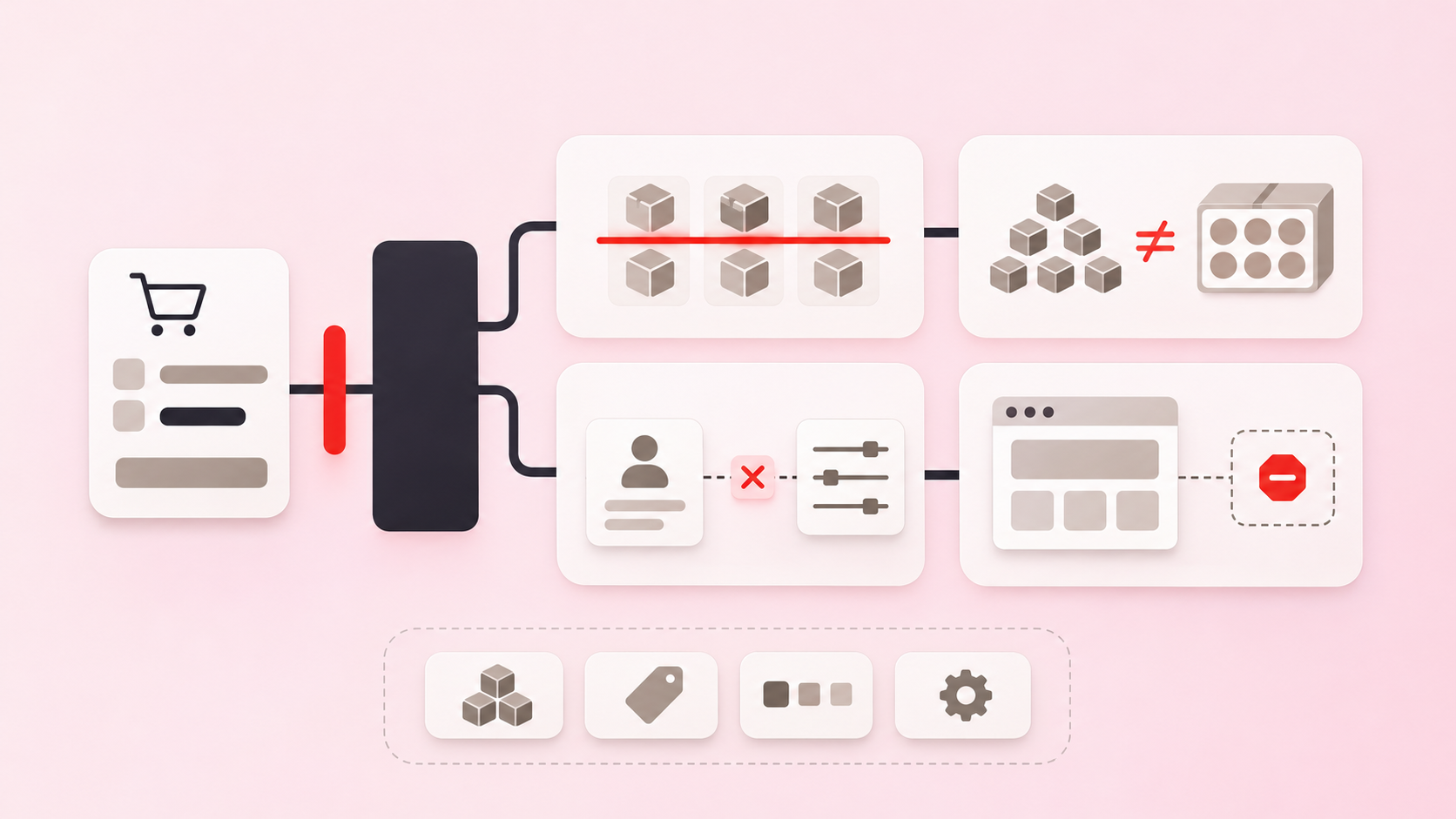
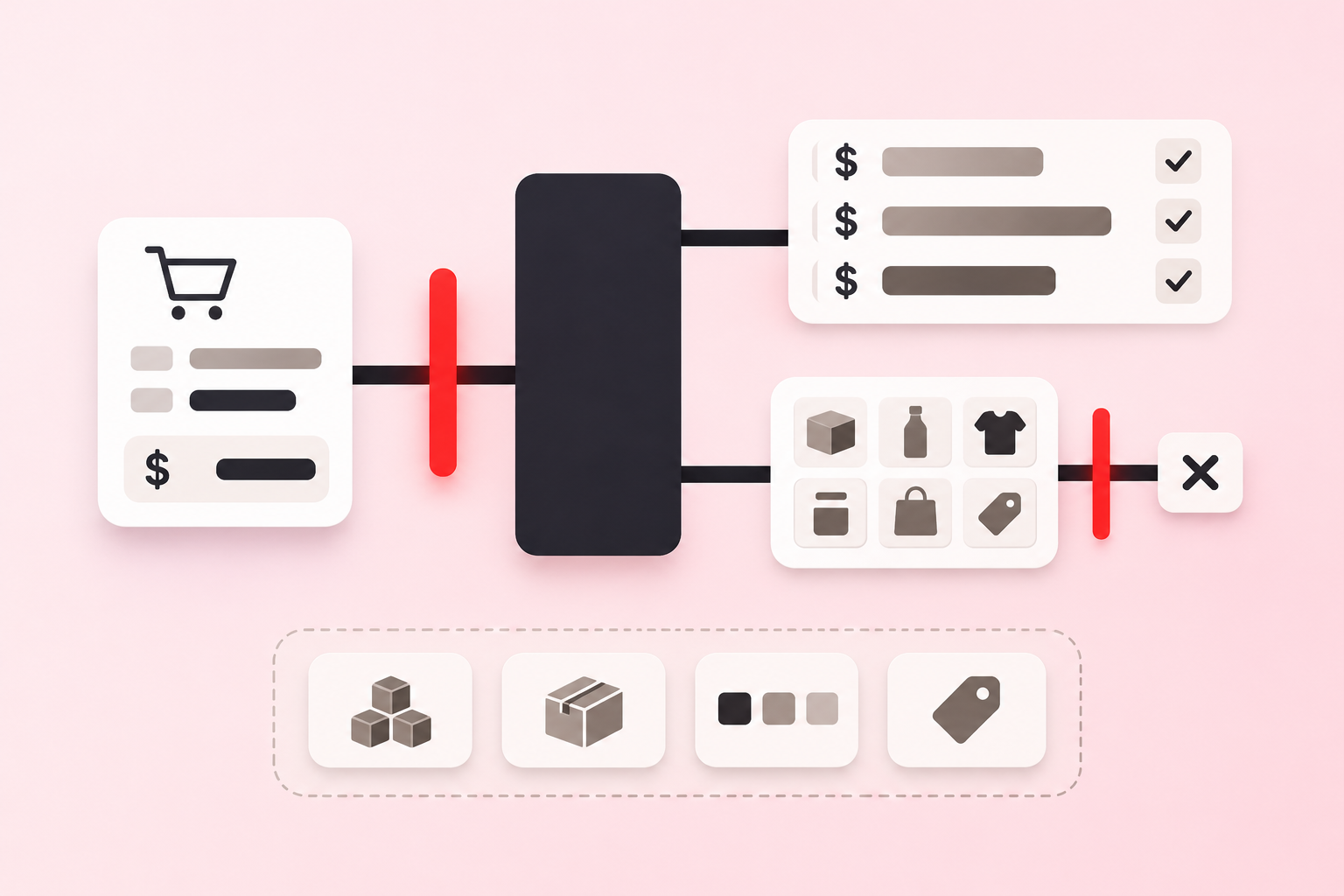
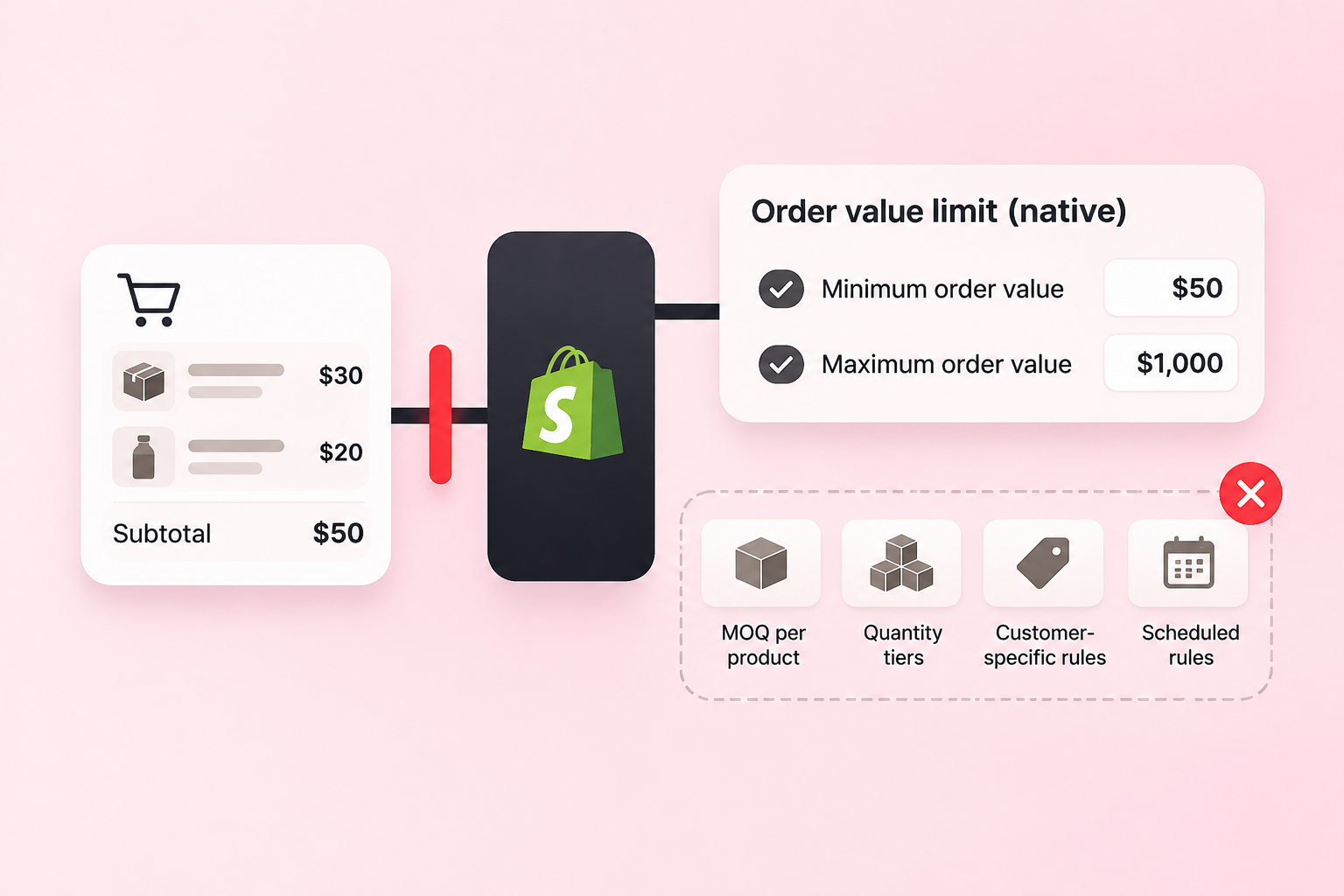
Short answer: if all you need is a minimum or maximum order subtotal for every customer or for your B2B companies, Shopify now does that natively. Since 13 April 2026, order value limits in Shopify's own Checkout Blocks app are available on the Basic, Grow, Advanced, and Plus plans, and you do not need a third-party app for it. What Shopify still does not offer natively, on any plan, is a limit on quantity: a minimum or maximum number of units, sell-in-multiples for case packs, or rules for particular products, variants or collections. Those still need an order-limits app.
What changed
Checkout Blocks first gained order value limits in April 2025, for Shopify Plus only. On 13 April 2026 Shopify's changelog widened it:
"Order value limits in Checkout Blocks are now available on Basic, Grow, Advanced, and Plus plans. [...] Now more merchants can set a minimum and/or maximum order subtotal to enforce order limits in checkout."
Two details are worth reading closely. The headline says "all plans", but the text names four, and Starter is not one of them. And every word of it is about the order subtotal. There is nothing in it about units.
What the native limit does
From Shopify's Help Center article on order value limits and the two changelog entries:
It sets a minimum and/or maximum order subtotal and blocks checkout outside that range.
It applies either to all customers or only to B2B companies.
It is measured on the subtotal before gift cards or store credit are applied as payment.
It applies across payment methods, including accelerated checkouts.
A new limit is saved as Inactive, so remember to turn it on.
For a store that wants "no orders under $50", that is the whole job, and it comes from Shopify itself. We would rather you used it than installed something you do not need.
What it does not do
What you need | Checkout Blocks order value limits | An order-limits app |
|---|---|---|
Minimum or maximum order subtotal for the whole store | Yes | Yes |
A subtotal limit for B2B companies only | Yes | Yes |
A subtotal limit for customers with a tag, such as | Not among the documented options | Yes |
A subtotal limit for one collection or product line | Not among the documented options | Yes |
Minimum number of units | No | Yes |
Maximum number of units | No | Yes |
Sell only in multiples, such as cartons of 6 | No | Yes |
Different rules per product, variant or collection | No | Yes |
A cap per customer over time | No | Yes, for logged-in customers |
A cart weight limit | No | Yes |
Shopify does have native quantity rules, a minimum, maximum, and increment per product or variant, but they belong to B2B catalogs, which are available only on plans that support B2B. We cover that boundary in what's built in, and where it stops.
Money and units are different problems
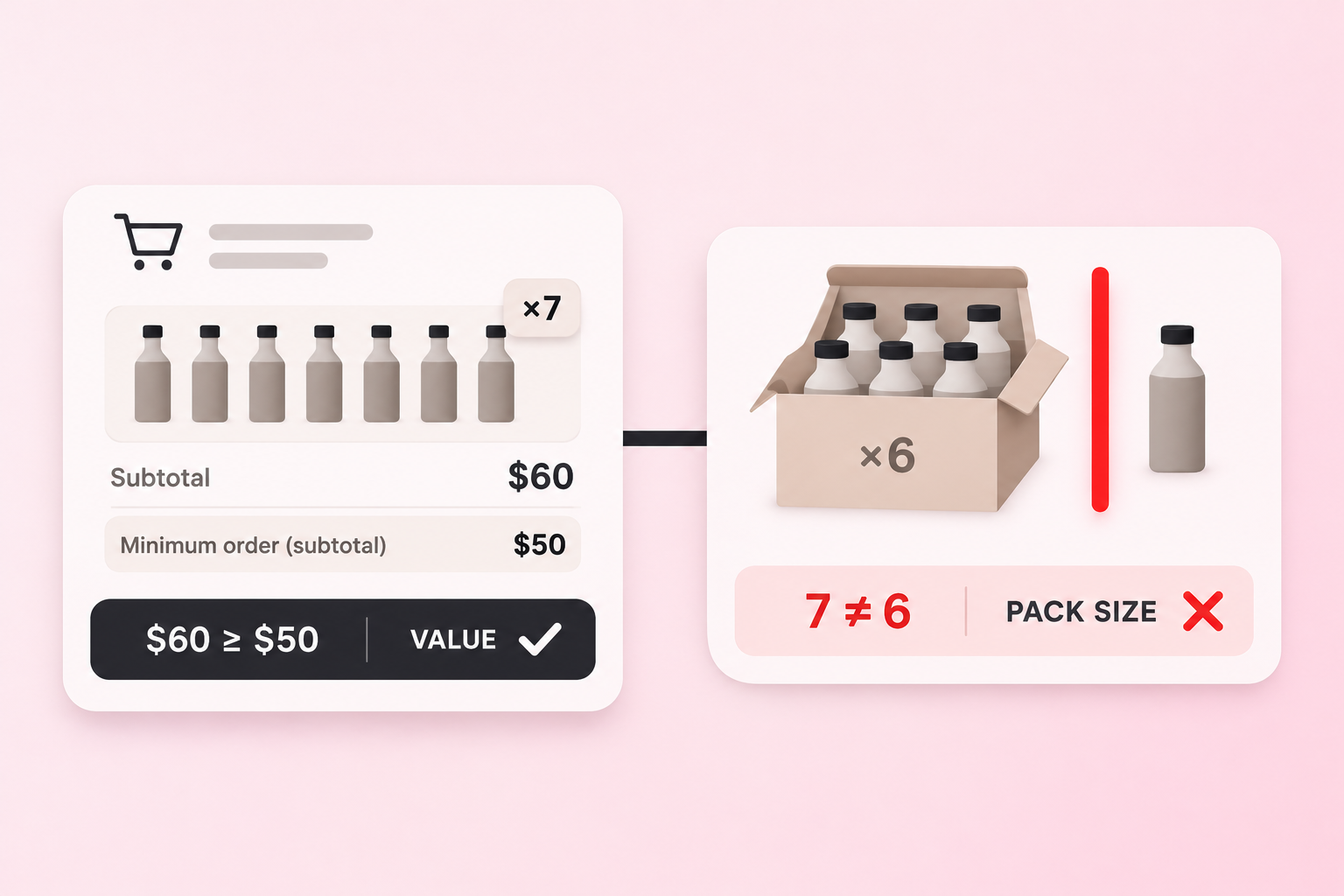
The reason this distinction matters is that the two limits protect different costs. A subtotal floor protects you from orders too small to be worth the payment fee and the shipment. It does nothing for the carton: a $60 order for 7 bottles clears a $50 minimum and still breaks a case of 6. A unit rule protects the warehouse, but it does nothing for an order of 12 units of your cheapest line. Which one you need depends on what your cost scales with, which we work through in minimum order quantity or minimum order value.
Many stores need both, on the same products: whole cartons, and a sensible order total. A native subtotal limit can cover the second half; the first half still needs a quantity rule.
How to decide
Is your only rule a single order subtotal floor or ceiling, for everyone or for B2B companies? Use Checkout Blocks. You are done.
Does the rule count units, packs or multiples? You need an app.
Should the rule apply only to tagged customers, or only to some products or collections? You need an app.
Do you need a quantity rule and a value rule together? You need an app for the quantity part at least.
Where Prime MOQ & Order Limits fits
Prime MOQ & Order Limits is our app, so weigh this section accordingly. Its core is quantity: minimum and maximum units, case-pack multiples, rules per product, variant or collection, and limits scoped to customer tags or segments. It also has value and weight rules, so a store can keep cartons whole and set an order-value floor for the same wholesale customers. Its value rules count cart totals after discounts. We have not tested it alongside a Checkout Blocks order value limit on the same store, so if you run both, check one cart against each in a test.
The setup is in the Help Center: which limit type to use, case packs and multiples, and order value rules.
Last reviewed 8 November 2026 against the Shopify sources linked above.