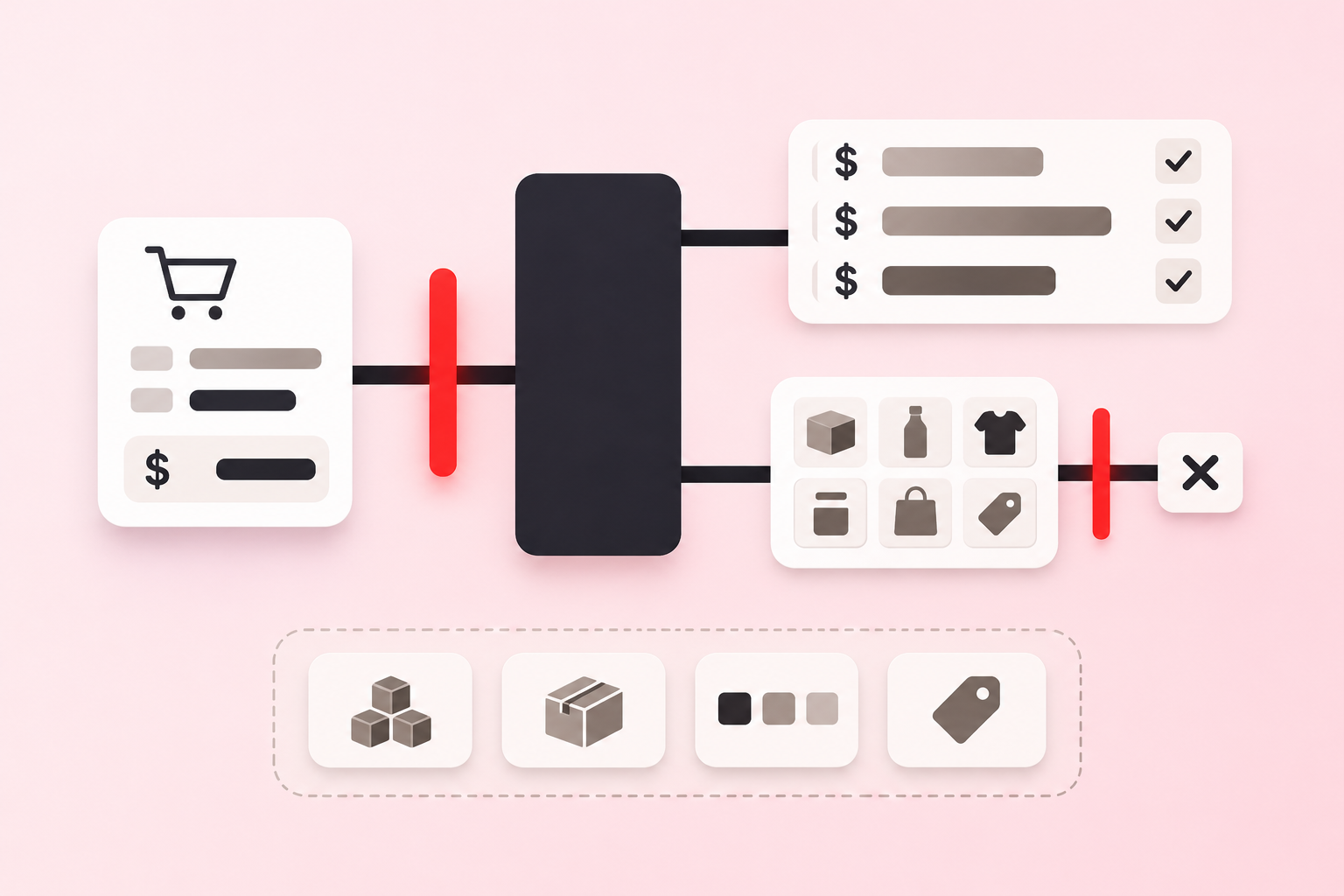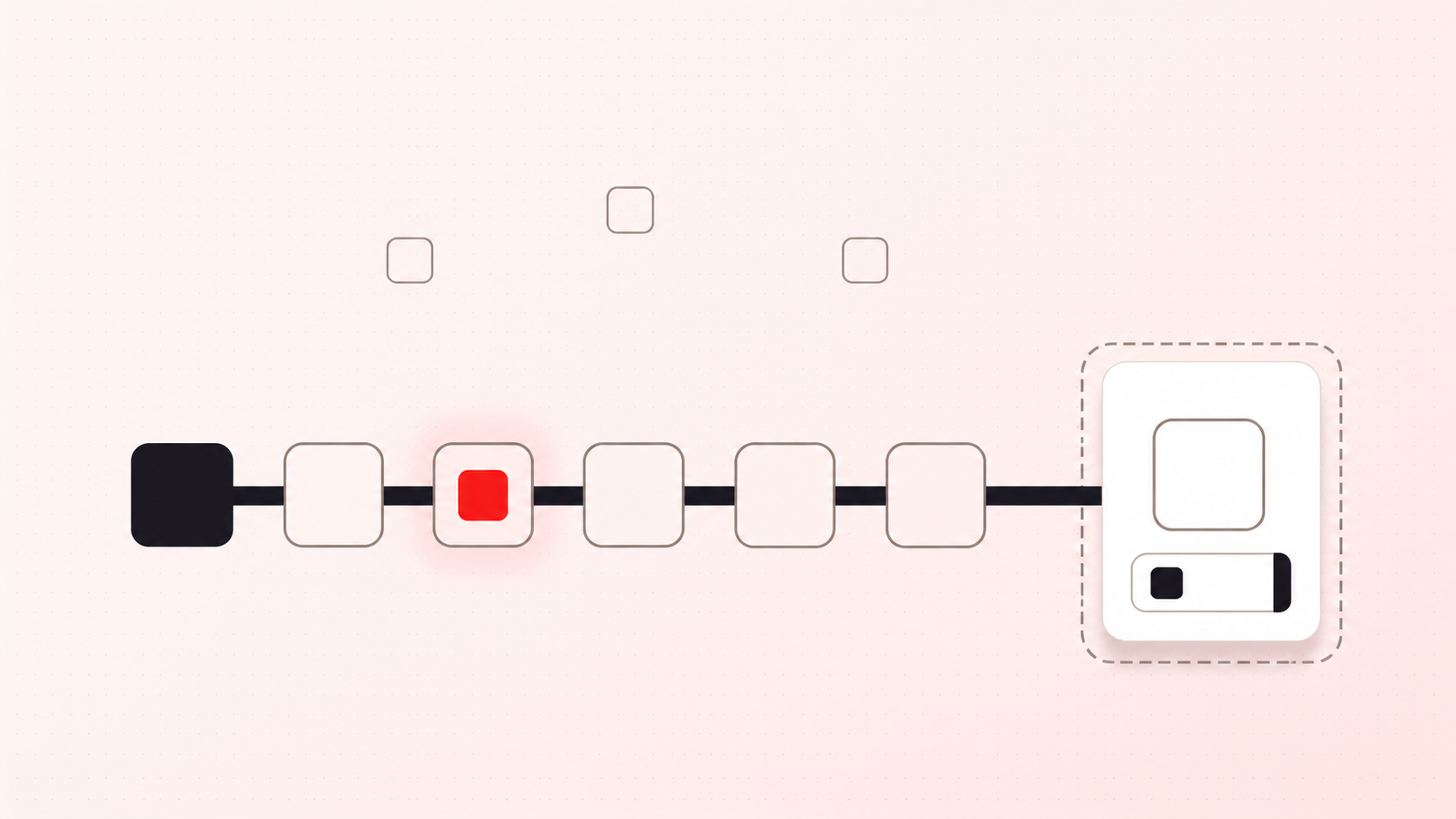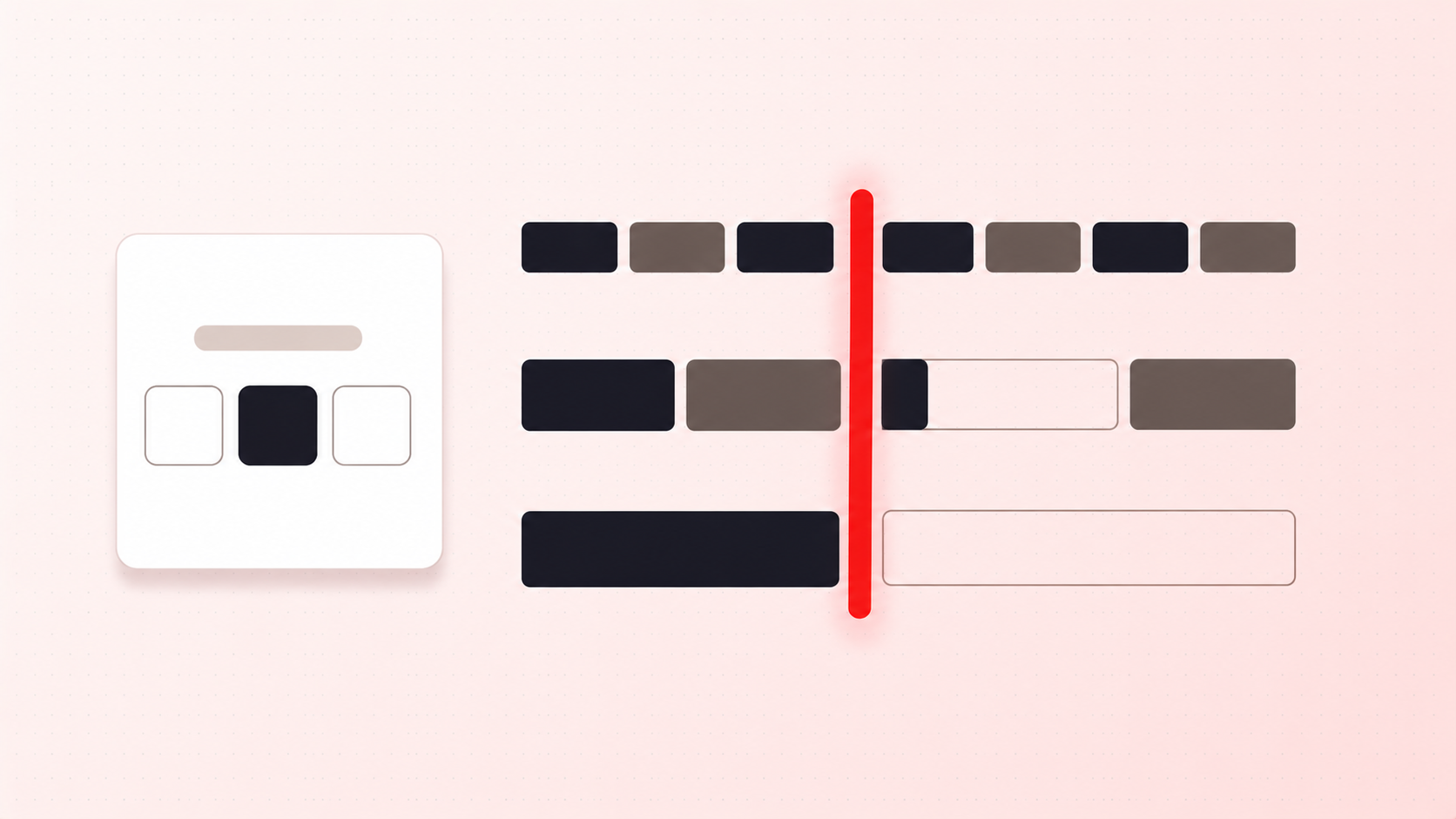
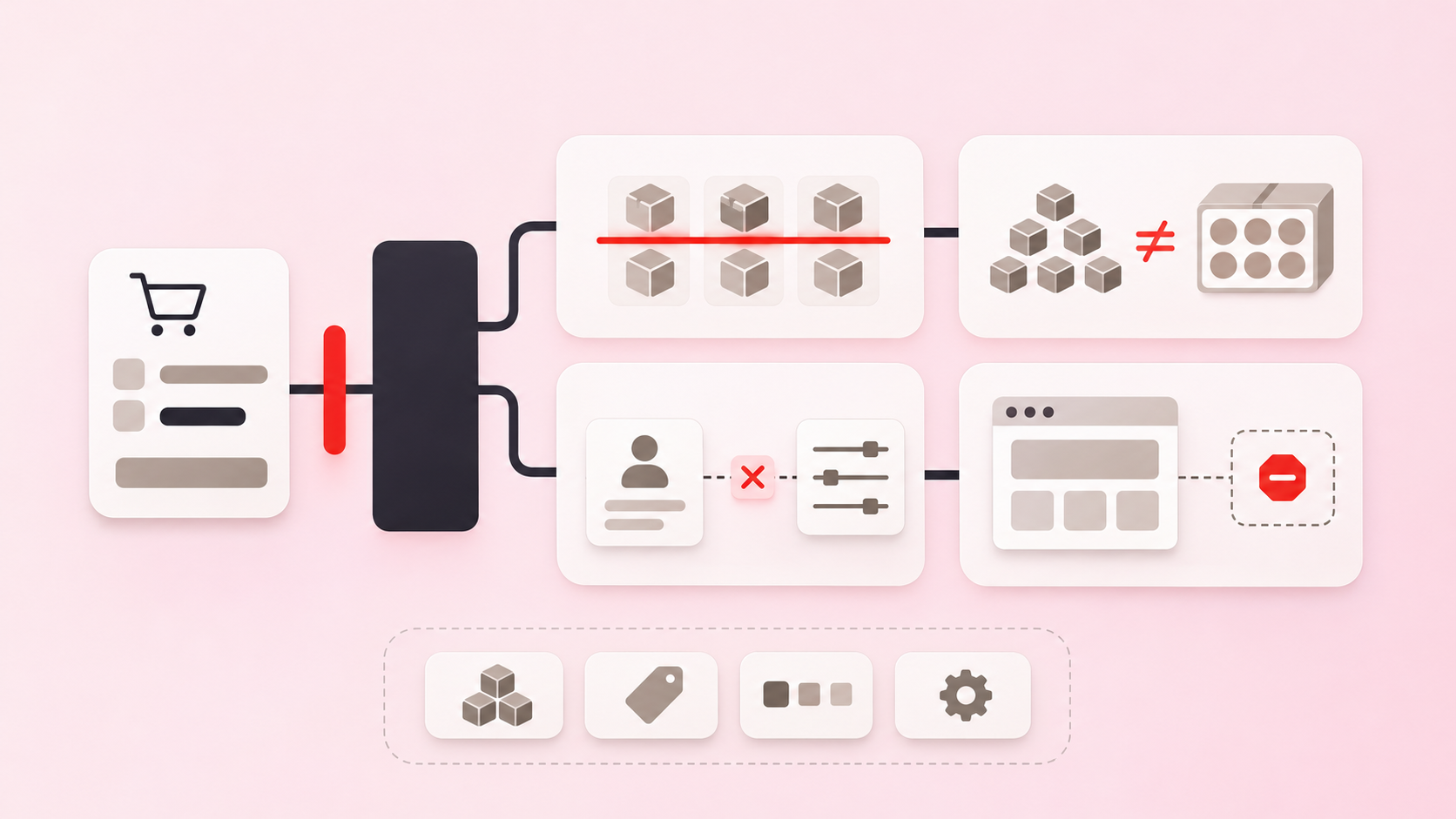
Short answer: most order limit problems come from a rule that does exactly what it was told. The usual causes are a minimum where a multiple was meant, the wrong counting mode, an overlapping rule, or a test that only looked at the product page. Each one below has a quick check. The numbers come from Prime MOQ, but the logic applies to most order limit setups.
1. Using a minimum when you mean a multiple
If a carton holds 6, a minimum of 6 still allows 7, which breaks a carton. A multiple of 6 allows 6, 12, and 18, and rejects 5, 7, and 11. Check: try a quantity one above your minimum. If it should fail and passes, you need a multiple. See Case Packs and Multiple Quantity Rules.
2. Counting each item when you meant the combined total
The same minimum of 6 gives opposite results on a cart with 3 of product A and 3 of product B:
How to count | What is checked | Result |
|---|---|---|
Each item separately | 3 against 6, then 3 against 6 | Blocked |
Combined total | 6 against 6 | Allowed |
Neither is wrong. Each item separately means every SKU must qualify, and Combined total is a mix-and-match minimum. Check: put two different in-scope products in a cart, each below the minimum. See How to Count.
3. Testing the message instead of the block
The product page message and checkout enforcement are separate layers, so a message appearing does not show that checkout is blocked, and a missing message does not show that it isn't. Check: in an incognito window, take an invalid cart all the way to checkout and try to pay. Some themes cache admin and preview sessions, which can change what you see.
4. Two rules competing for the same products
In Prime MOQ, a variant can be enforced by one Each item separately rule and one Combined total rule at a time, so a second rule at the same level may enforce nothing. Check: look at the Coverage column. Partial or Not enforcing means another rule owns those products. Put per-item limits such as a minimum and a pack size in one rule, and use the other counting mode for the second level. See When Two Rules Cover the Same Product.
5. Testing from an account the rule does not cover
A rule scoped to a tag, a segment, or a country will not trigger for anyone outside it, including you. A wholesale rule can look broken when the test account simply isn't tagged wholesale. Check: test with an account and a country the rule actually covers.
6. Setting a value minimum without counting discounts
Prime MOQ's order value rules read the line totals after discounts. In our development store test, a $102 cart with a 15% discount came to $86.70 and was blocked by a $100 minimum. Check: test your threshold with your largest discount applied, and decide whether that outcome is what you want. See Order Value Rules.
7. Trusting a weight rule before auditing product weights
A product with no weight, or a weight of 0, adds nothing to the total, so a heavy cart can pass a maximum. Check: export your products and look for blank or zero weights in the rule's scope before you rely on it for freight. See Weight-Based Order Limits.
8. Expecting a per-customer limit to see every order
A repurchase limit needs the customer logged in, because a guest checkout has no purchase history to check. Only purchases made while the rule is active count, so orders from before it started don't. Check: create the rule before a drop, not during it, and test with a logged-in account placing two orders. See Repurchase Limits.
9. Assuming the limit runs everywhere
An app can only enforce where Shopify runs checkout validation. Shopify's validation API reference lists surfaces it does not support, including POS, subscriptions, and Order Edit. We have tested Prime MOQ at Online Store checkout, including the cart API and cart permalinks. Check: if you sell through another channel, test that channel yourself.
10. Installing an app for a limit Shopify already has
Since April 2026, Shopify's Checkout Blocks offers a minimum or maximum order subtotal on Basic, Grow, Advanced, and Plus. If one store-wide subtotal limit is all you need, try that first. An app is for quantity, case packs, and limits on particular products.
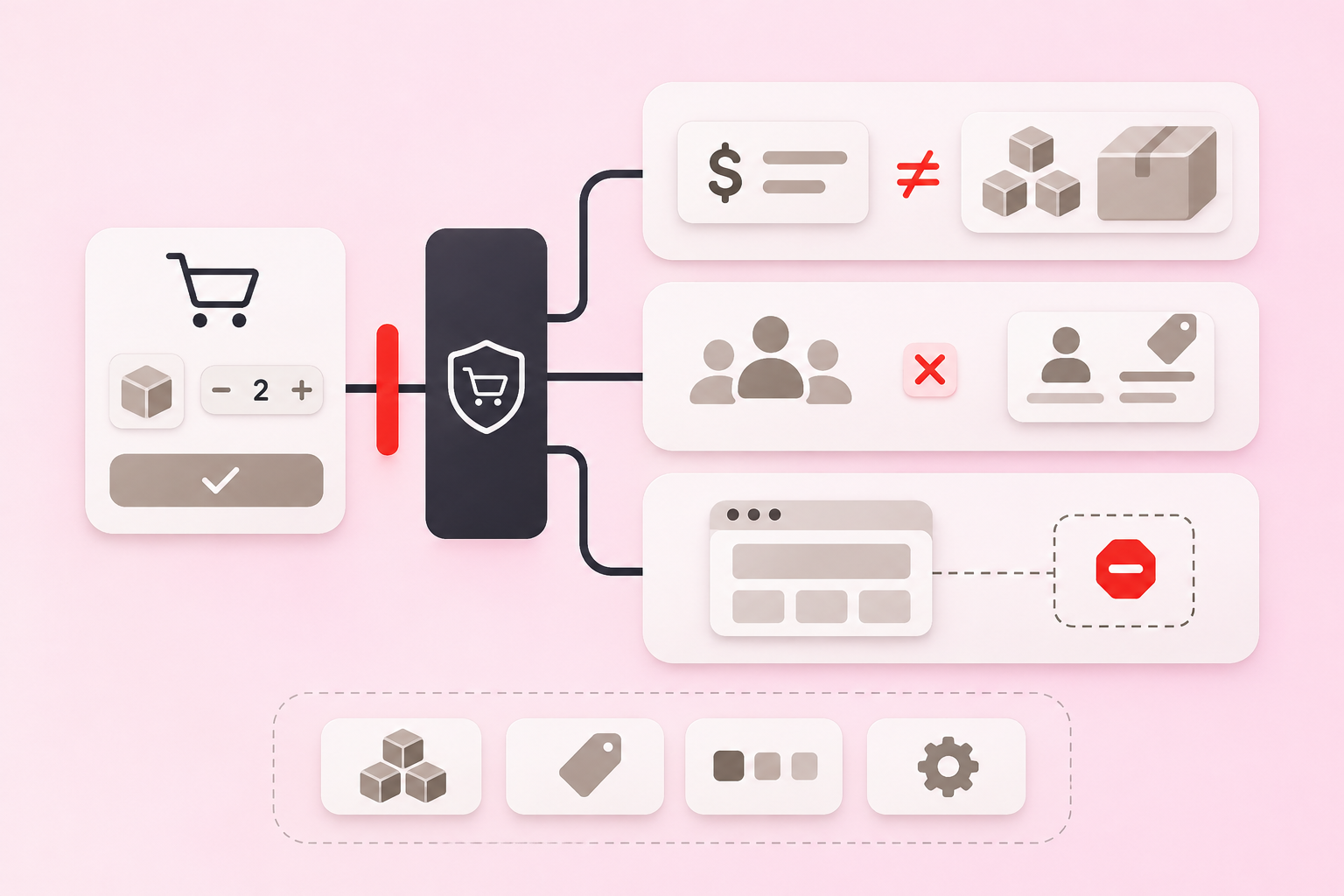
Try your rule before you publish it
The order limits planner runs a sample cart against a rule and shows pass or fail with the formula. It helps with mistakes 1, 2, 6, and 7, but it is a model rather than a checkout, so still test the real rule on a development store. For a rule that is already live, work through Why a Rule Is Not Working.